
Most boutique and remote-work properties are stuck with a design direction that doesn't reflect the experience they've built in real life. Beautiful spaces, forgettable digital experiences — and guest journeys slow enough to lose someone before they've asked a single question.
A site that looks like everyone else's undersells a place that isn't like everyone else's.
Design that makes people feel the place before they book it
Your site is the first stay a guest has with you. I build the visual system — photography, type, color, motion — so scrolling through it already feels like standing in the space.
Booking and inquiry flows designed to convert, not confuse
Every extra click costs you a guest. I map the path from "interested" to "booked" and cut anything that slows it down — clear calls to action, short forms, no dead ends.
Independence to run the site yourself, not wait on a ticket queue
No developer on call, no waiting on a request. I set it up in Webflow so you can swap photos, update rates, or launch a new program yourself — in minutes, not days.
Michal is a terrific designer/dev combo. He works hard and fast, is perhaps the most communicative external team member I've ever worked with, and was a huge help when needs and challenges arose unexpectedly.
Michal brings a thoughtful approach to design, he takes the time to understand your thinking on design, the borders of it and where you want it to go. This has time and time again, produced great work.
Projects that made the decision easier for their customers
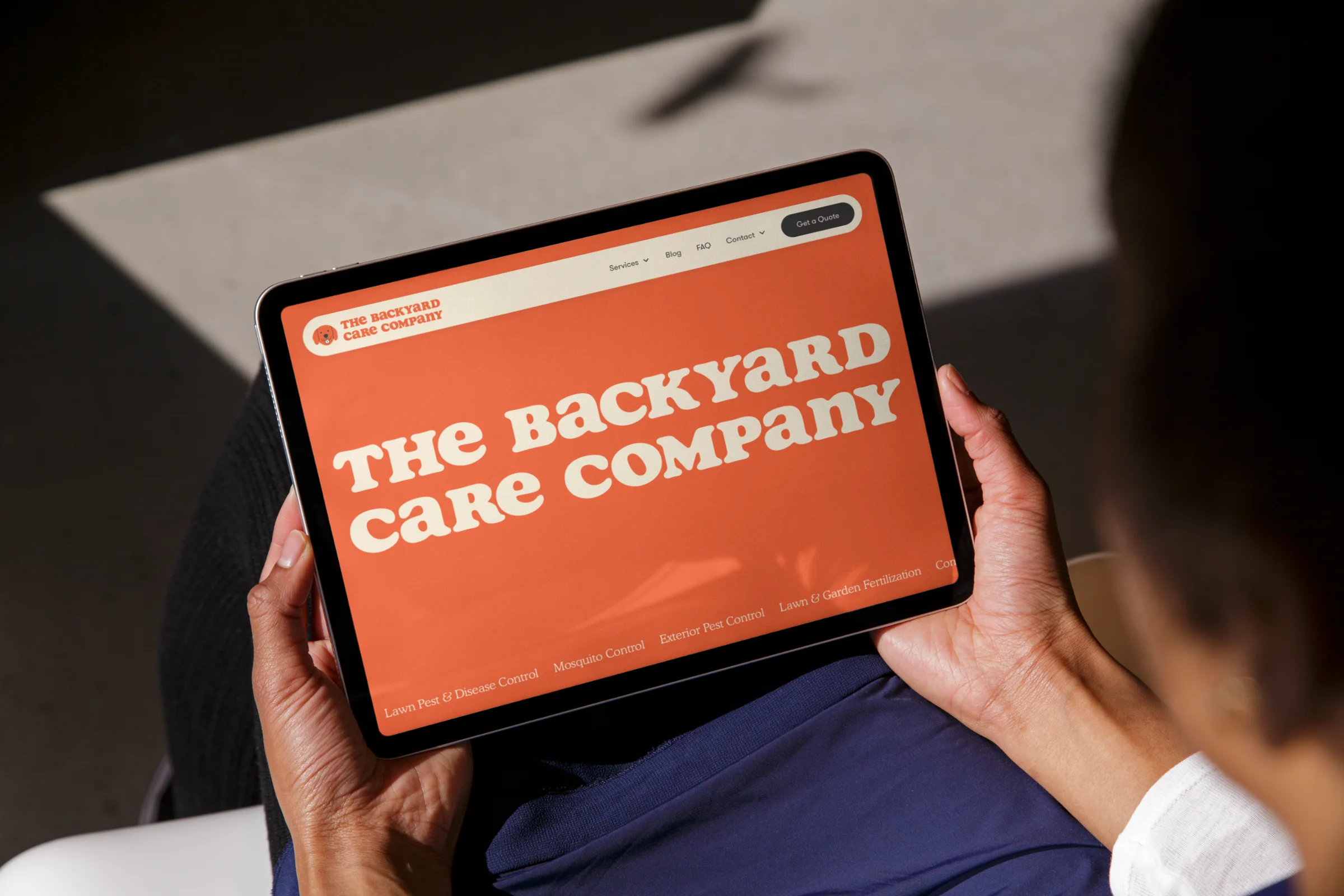
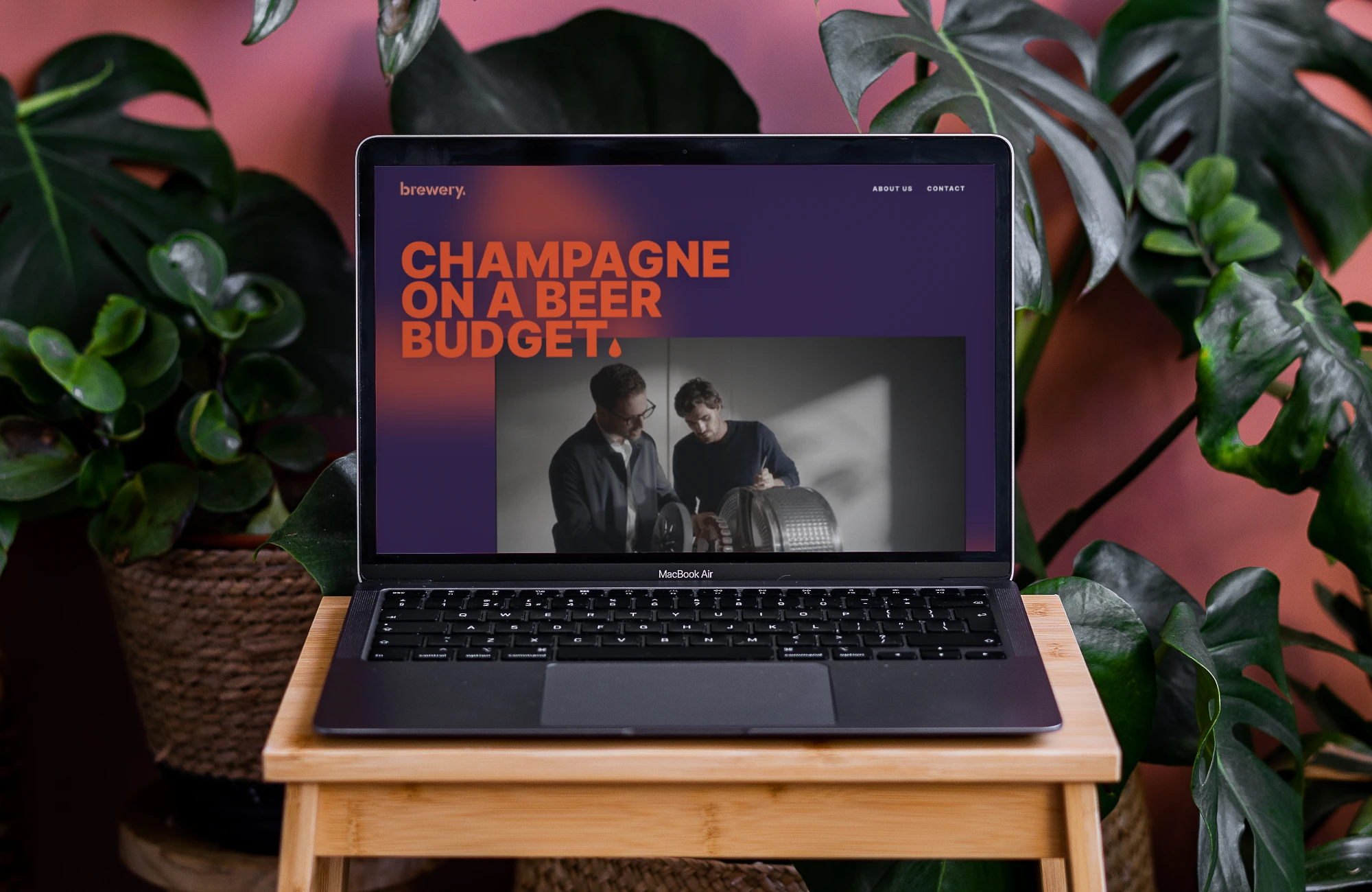
Every project moves through the same four stages — not because one process fits every client, but because skipping a step is exactly where good ideas turn generic. Here's how we get from your first idea to a live site.
Step 1 — Brainstorm
We start loose, no wireframes yet. Just a conversation about your place, your guests, and what makes a stay with you different from the one down the road. We define what a visitor should feel in the first five seconds, and that sets the direction.
Step 2 — Experience
Loose ideas become structure. I map the journey from first glance to confirmed booking: rooms, rates, availability, experiences, and the moments where guests hesitate. The site works before it looks like anything.
Step 3 — Visual
Structure becomes a real interface: type, color, photography, motion. This is where the site starts to feel like walking through your front door, designed in Webflow so it’s ready to launch and easy to keep fresh.
Step 4 — Build
The design becomes a working site, connected to a CMS your team can update (rooms, offers, seasonal content) without calling a developer. Tested across devices, wired to your booking engine, and ready to launch without surprises.
Tell me what you're working on and what you need. I'll get back to you within a day or two.
